Godot Basics
新建项目
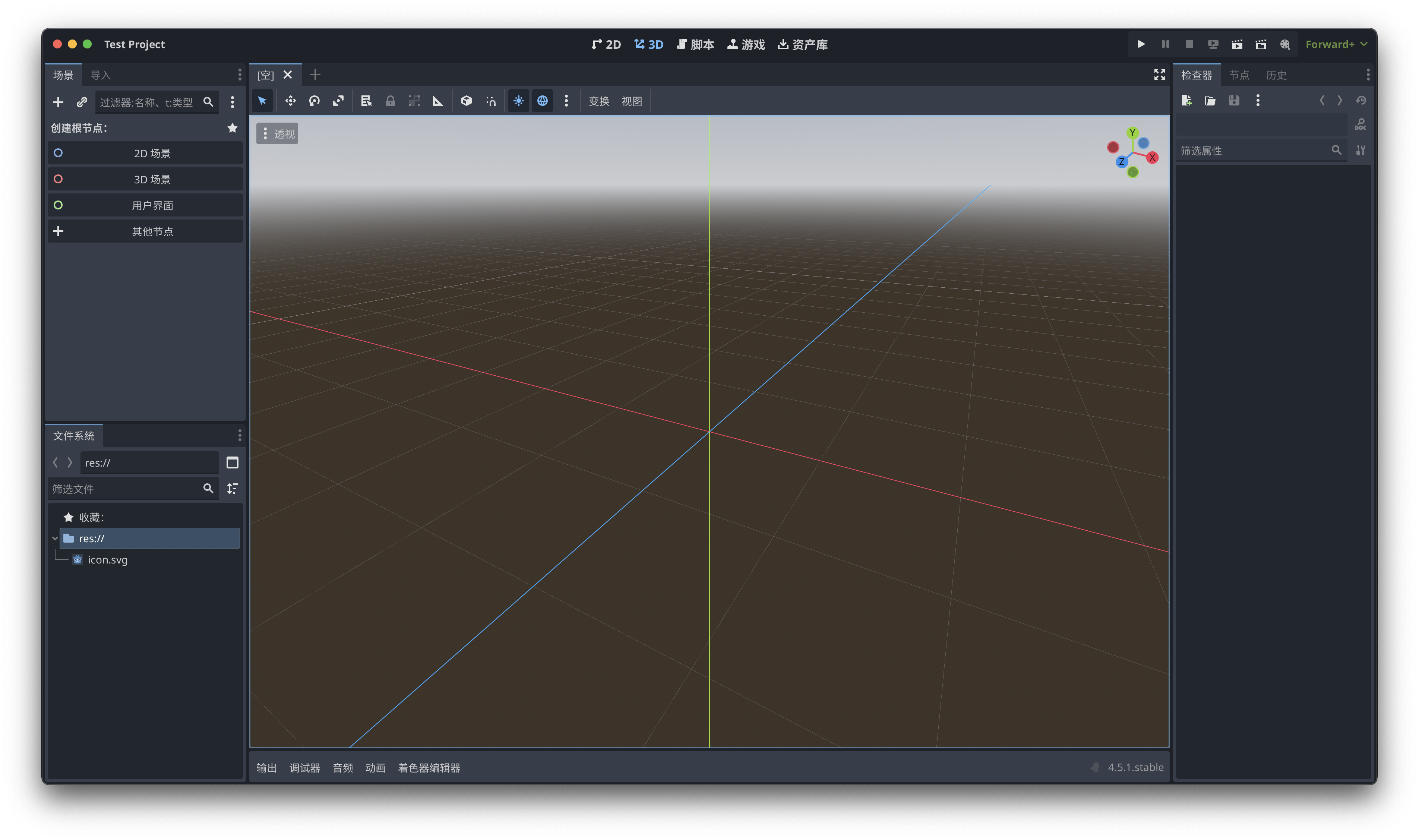
Editor setting
UI
- 中间:Viewport
- 顶上:Modes
- 2D, 3D, Script, Game, AssetLib
- 左下角:FileSystem
- 左边:Scene Panel
- 场景树
- Nodes(很重要)
- Node2D
- 右边:Inspector
- 属性编辑
Scenes and Nodes
Nodes
Nodes are the building blocks for creating a game in Godot.
- Images
- timers
- sounds
- 3D objects
Scenes
- Container for nodes.
- A scene manages what is displayed.
实例
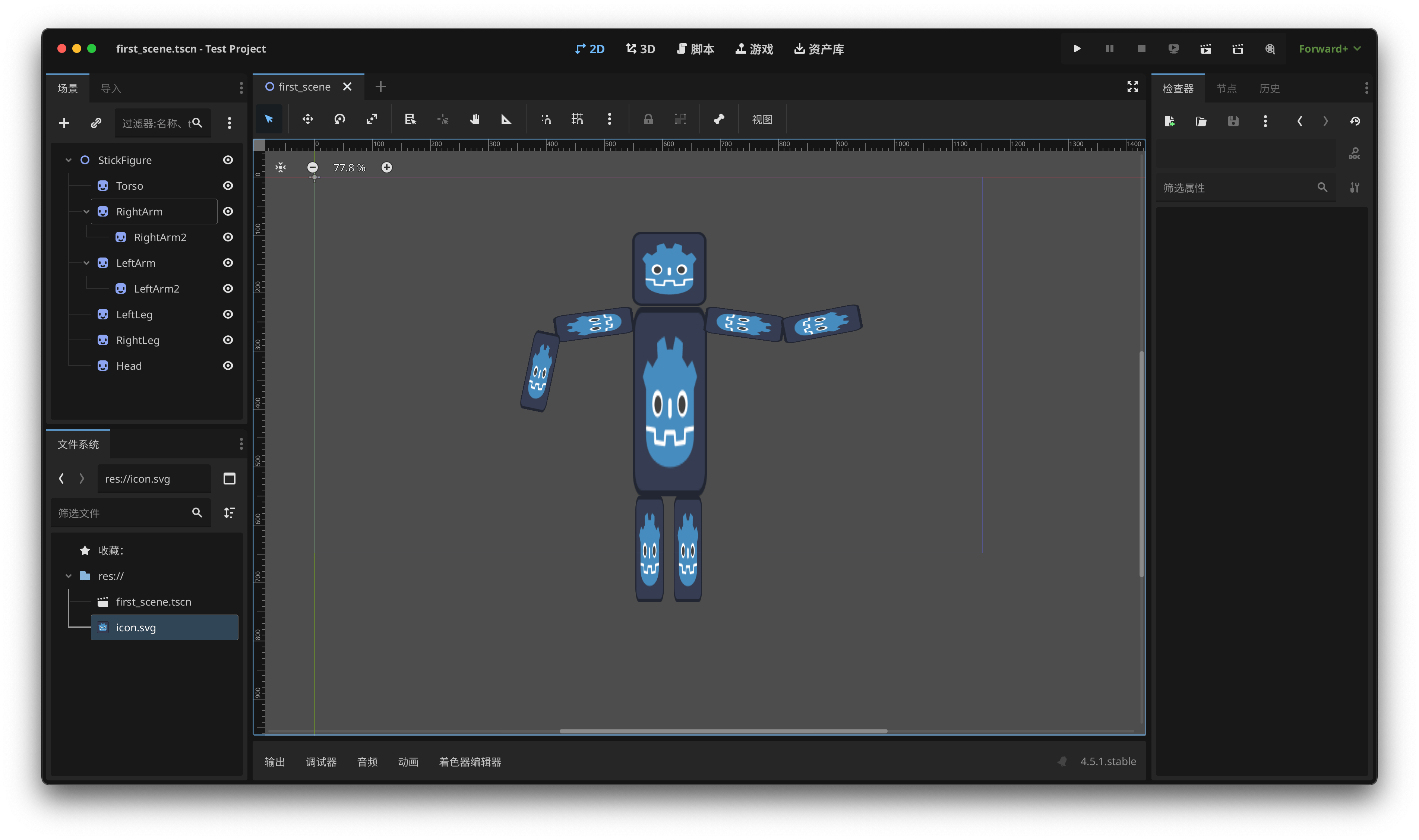
- 根节点:2D Scene,保存(类型为 Node2D)
- 添加精灵节点(最简单):Sprite2D
- 不可见,因为没有纹理(texture)
- 父节点会影响子节点,但子节点不会影响父节点和同级节点
- Instantiate a Scene as a Node in another Scene:将其他场景的实例作为节点添加到当前场景中
注意
- 所有内容要在蓝紫色框框内
- \(y\) 轴向下为正
运行:主场景(Main Scene)
Intro to Coding
- Attach a script to a node
- Organize code via functions
创建函数:
_ready():在场景就绪后,Godot 内部会自动调用,所以创建后不用传参print():内置函数,只需要传参调用- 字符串要用引号括起来:
print("Hello, Godot!")
- 字符串要用引号括起来:
Logic and Variables
创建变量
命名规则
- 不能:
- 以数字开头
- 使用空格
- 使用特殊字符(
$,&) snake_caseconvention:小写 + 下划线
常见数据类型
- Text \(\rightarrow\) "Strings"
- Numbers \(\rightarrow\) int, float
- True/False \(\rightarrow\) boolean (
True,False) - Lists \(\rightarrow\) [Arrays], {Dictionaries}, Vectors
 可以强制变量类型,但默认是动态类型
Properties and Methods
Properties and methods are variables and functions that belong to an object.
Sprite2D 是一个对象的实例(an instance of an object,就是可以在游戏中使用的对象)。
将创建的 Sprite2D 节点拖到脚本编辑器中,发现在节点名字前自动加了一个美元符号:$Sprite2D。这样就获取了一个对象。在后面加一个点 . 就可以获取所有属性 ".P" 和方法 ".f()"。
以 _process() 为例(这个函数每一帧都会自动调用):
func _process(delta: float):
   $Sprite2D.rotate(0.1)  # 每一帧旋转 0.1 弧度
   $Sprite2D.position.x += 1  # 每一帧 x 轴位置加 1
更改本身包含脚本的节点的属性时,可以直接调用;子节点需要用 $ 定位。
Booleans and Logic Flow
- Create booleans via logical expressions:
<,>,==,<=,>=,!= - 组合:
and,or,not if,elif,elsewhile(不太常用)
例:碰到边缘反弹
Data
Vectors
Vector2:二维向量,包含Vector2.x,Vector2.y(类型为 float)Vector2i:整数二维向量Vector3:三维向量
Arrays
- 可存储不同类型的数据
- 索引从 0 开始(类似 Python)
for i in []
Dictionaries
A list with key-value pairs.
for i in dict默认是遍历 key。可指定for key in dict.keys()或for value in dict.values()。
Functions, Scopes and & Return
函数
创建函数:
调用函数:
The parameters are variables defined in the function definition, while arguments are the actual values passed to the function when it is called.
指定参数类型:
设置默认参数值:param = default_value
 参数的位置是有顺序的
作用域
全局变量和局部变量:是否在函数内部创建
 Functions should be self-contained. \(\implies\) Modular logic.
返回值
在创建函数时指定返回值类型:
Default style guide: 函数之间两行空行